Templates / Square & Grid-Layout Seal Templates
Square & Grid-Layout Seal Templates
Square & Grid-Layout Seal Presets

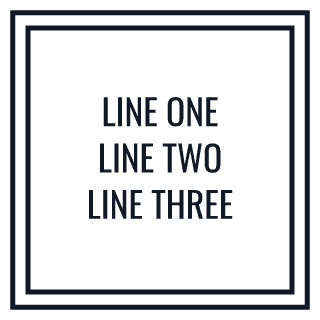

Square seal covers seal-style designs built on a square frame instead of the circular default most people picture when they hear "seal" — useful when content genuinely fits a grid better than an arc, like an icon mark at a fixed aspect ratio, or three to four lines of text that would look cramped following a curved rim. Square frames also crop and tile more predictably than circles when a design gets placed into a grid layout elsewhere (a product label sheet, a business card corner), since there's no curved edge to work around. Border options carry over from the rest of the catalog (single/double/triple/dashed/dotted), just applied to straight edges and corners instead of a curve, and corner style (sharp vs. slightly rounded) is a small but noticeable design choice at this shape. Typical users are anyone whose icon or text block doesn't suit a circular arc, and designers who want a seal-style stamp element that aligns cleanly with other square/grid elements on a page.
Frequently Asked Questions
Why choose a square seal over a circular one?
Mainly layout fit — a square frame suits a fixed-ratio icon or several lines of straight text better than a circular arc, and it aligns more predictably next to other square elements on a page or label sheet.
Are the same border styles available as circular seals?
Yes — single, double, triple, dashed, and dotted borders all apply to the square frame's straight edges and corners, plus a sharp-vs-rounded-corner choice that doesn't apply to circular designs.