Templates / Plain Text Stamp Templates
Plain Text Stamp Templates
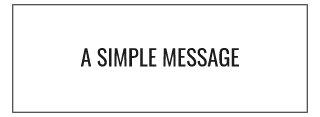
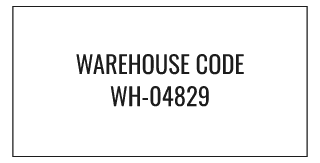
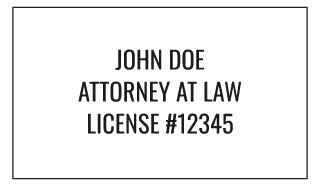
Text stamp is the no-frills category — one to three lines of custom text with no border, icon, or shape decoration, just typography. It's the right starting point when the message is the entire design: a phone number, a short slogan, a repeated word, or a name and title with nothing else around it. Because there's no border or icon competing for space, this category leans on font choice, size, and letter-spacing controls to do the work a border usually does elsewhere (drawing the eye, framing the message) — a bold condensed font at a larger size reads very differently from a light serif at a small size, even with identical words. Typical users are anyone who found the circular and rectangular templates elsewhere in the catalog too fussy for what's a genuinely simple, single-purpose stamp — a name stamp for marking personal books or tools, a short repeated warehouse code, or a one-line signature-block stamp.
Frequently Asked Questions
Can I add a border later if I change my mind?
Yes — switching to a bordered category or adding a border style is just a parameter change in the editor; starting with a text-only design doesn't lock you out of adding one.
How many lines of text can I fit?
Typically up to three short lines before legibility drops at normal stamp sizes; the editor enforces a character limit per line so text doesn't get squeezed past a readable size.